Explore any website
through Playwright's eyes.
A local control panel for Playwright — no code, no IDE.
Launch a browser session, explore the API, understand
how automation sees your site. In under a minute.
npm install -g trywright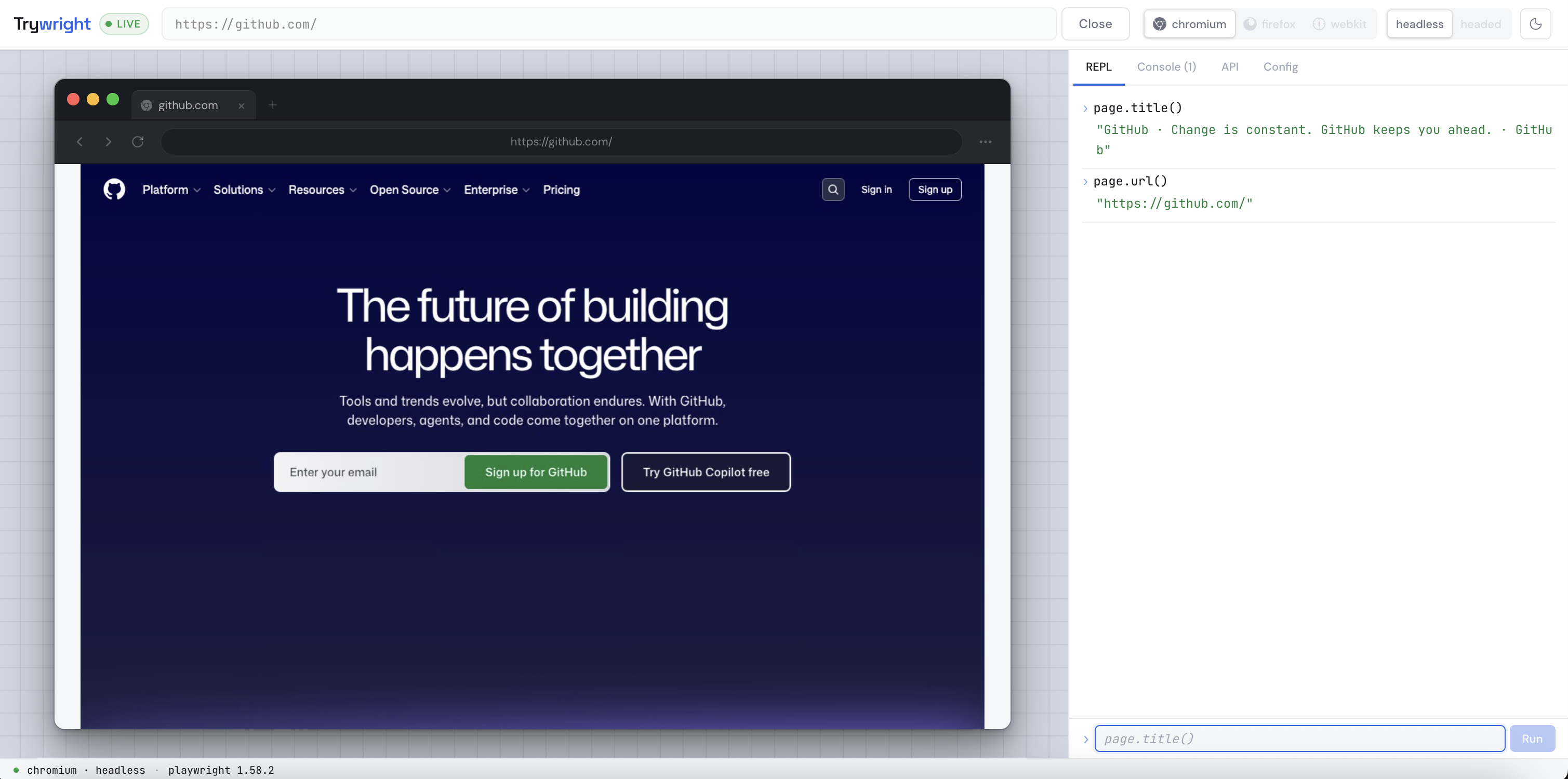
npm install -g trywright trywright start OR trywright open github.com WHAT IT DOES
Everything you need to understand Playwright.
See what Playwright sees
Launch any URL in Chromium, Firefox, or WebKit. Headed or headless — your choice, one click.
Learn the API interactively
A live REPL wired directly to the active page object. Single-line for quick queries, multi-line for sequential logic — with syntax highlighting, page. autocomplete, and ready-made snippets.
Built-in API reference
Every page method, grouped and searchable, with real examples. Click any method to insert it into the REPL.
Live console capture
Watch every console.log, network error, and page error in real time. Understand what Playwright can observe.
Full device emulation
Use curated iPhone, iPad, Pixel, Galaxy phone, and Galaxy tablet profiles in portrait or landscape. Trywright applies Playwright’s user agent, touch, scale factor, viewport, and mobile behavior.
Session configuration
Set timeouts, screenshot FPS, device, and orientation before launching. Apple profiles use WebKit; Android profiles use Chromium automatically.
A control panel built for learning, exploring and debugging Playwright.
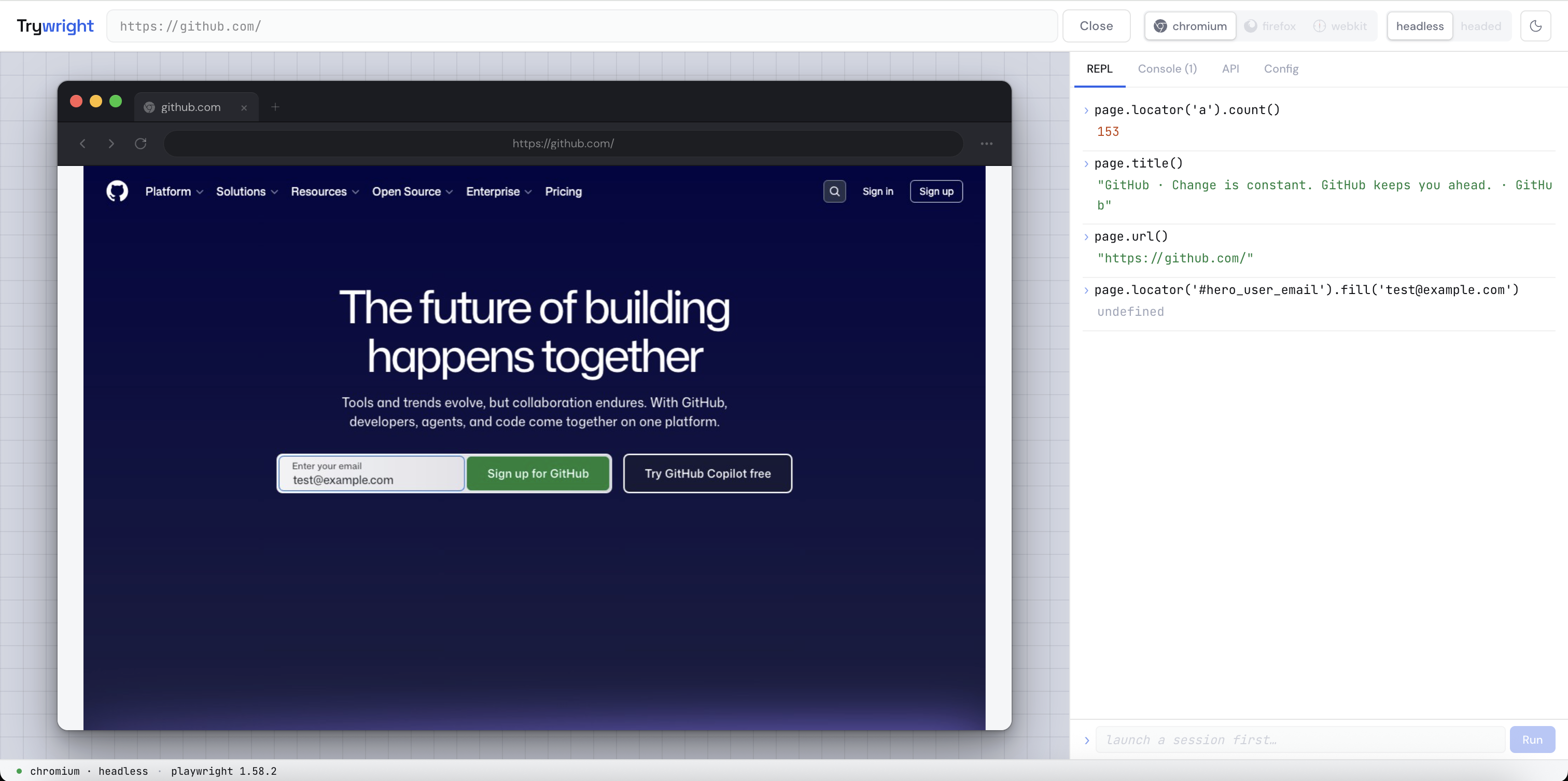
// single-line for quick queries — Enter to run, Snippets for ready-made examples
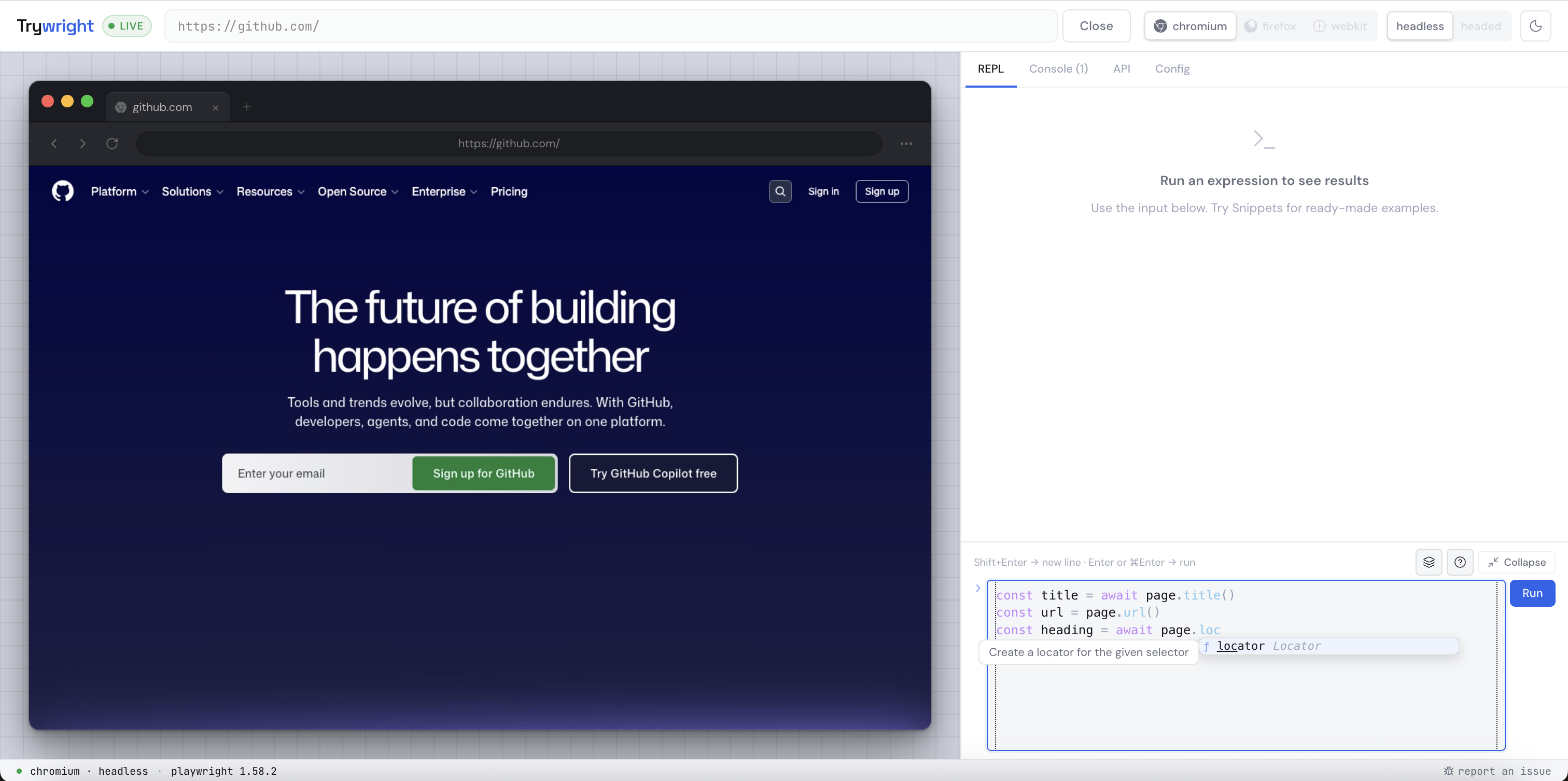
// expand to multi-line mode — syntax highlighting, page. autocomplete, and snippet cards
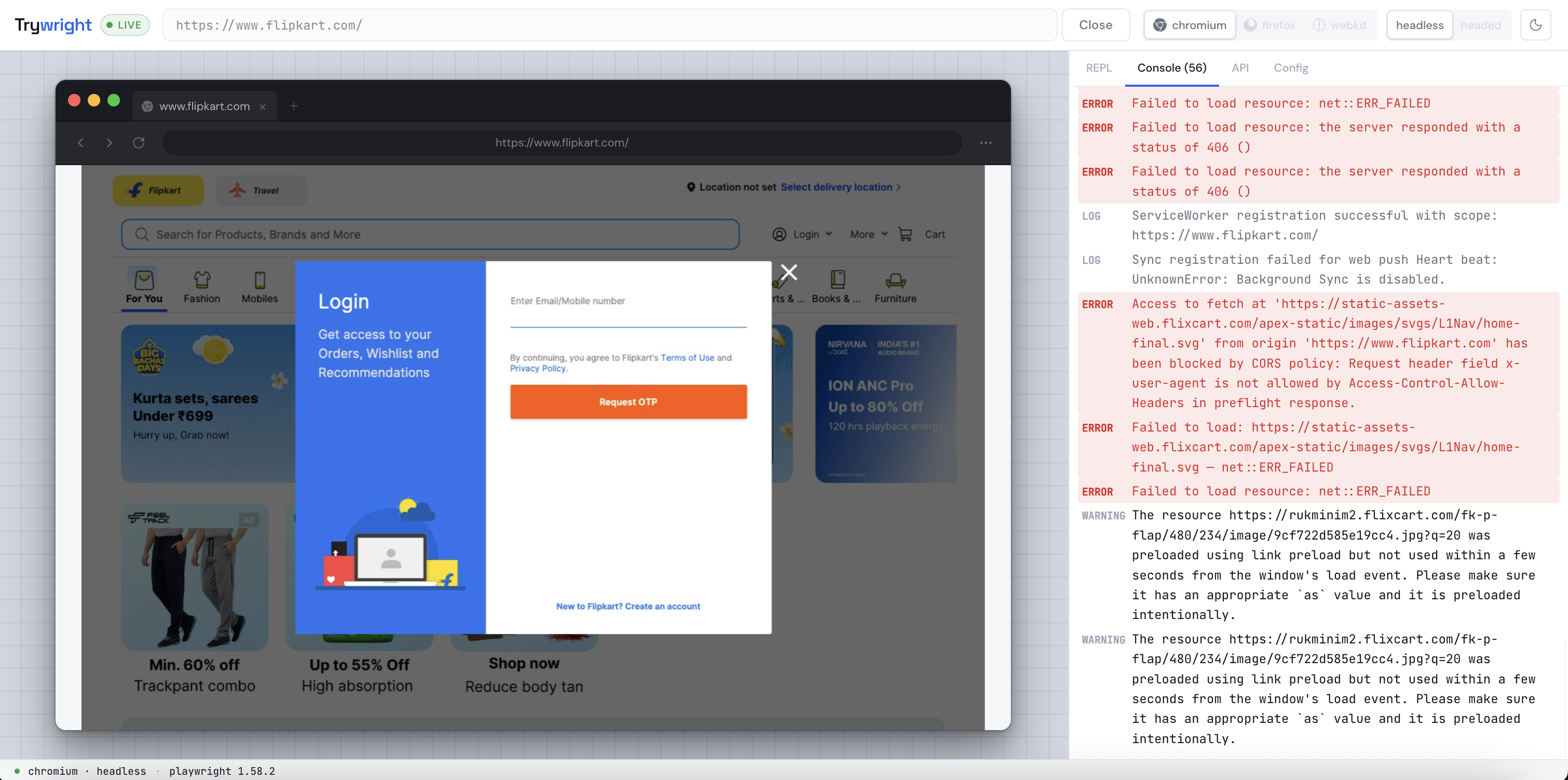
// console.log, network errors, and page errors — all captured
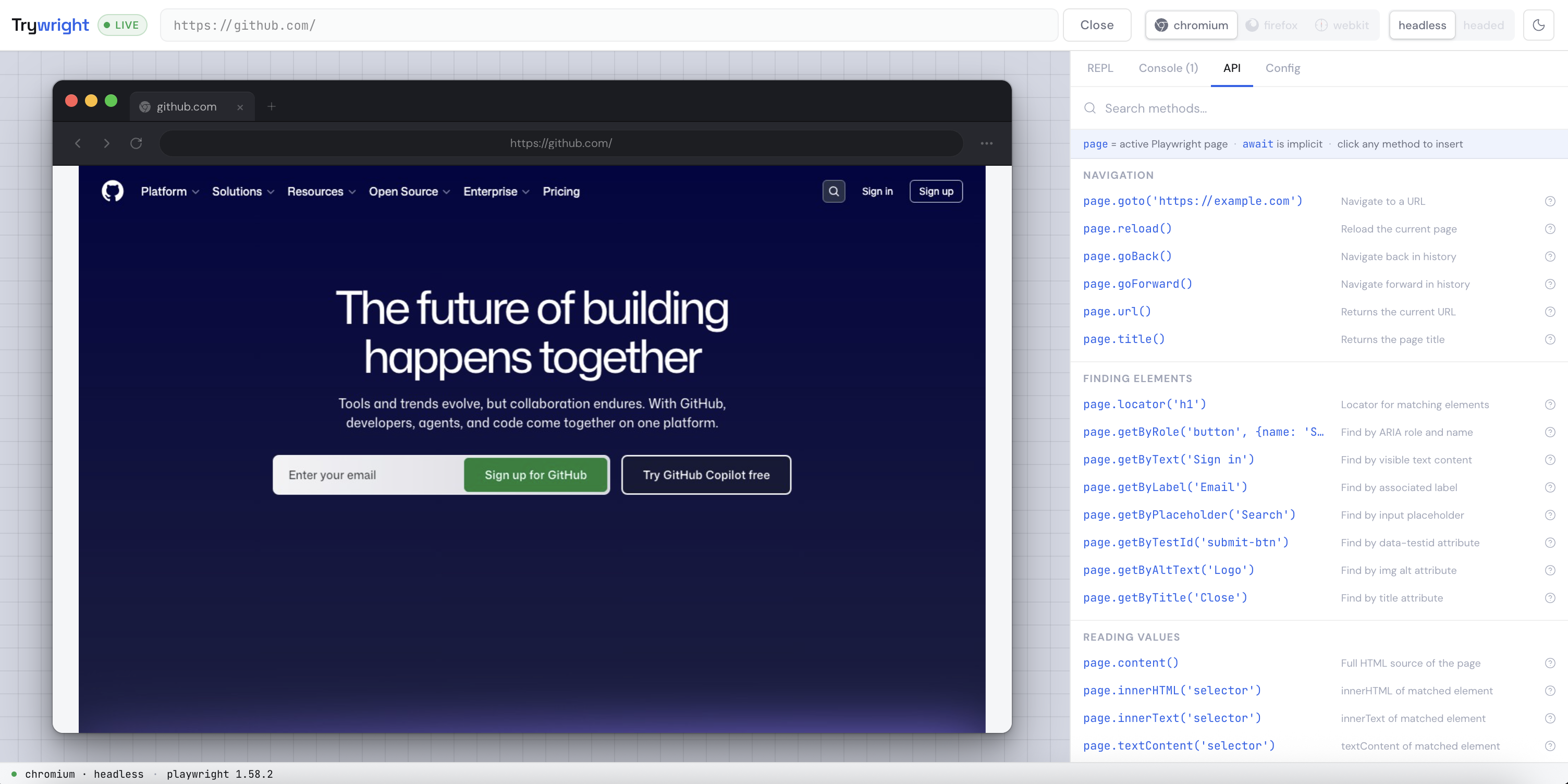
// click any method to insert it into the REPL
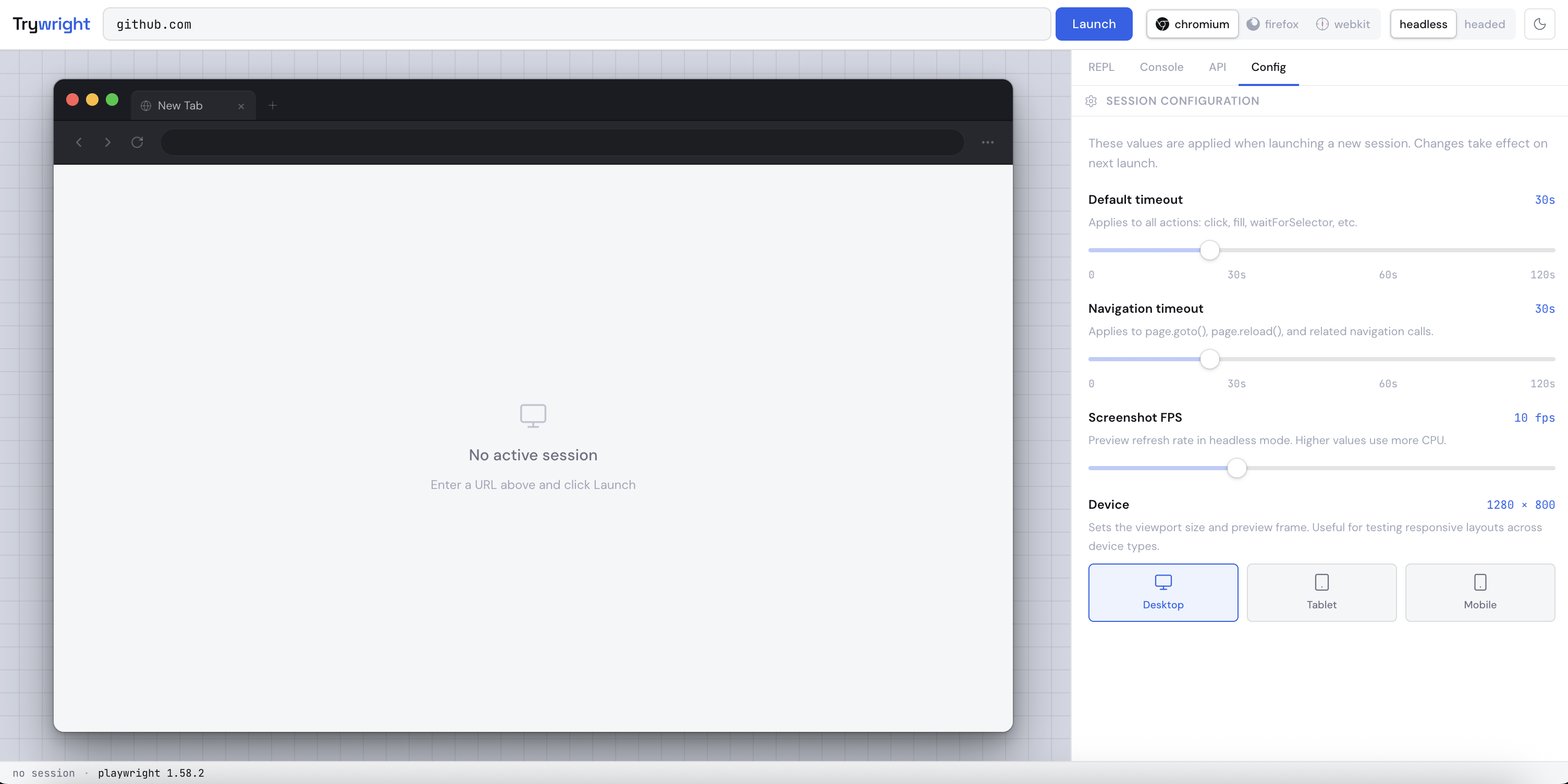
// configure device emulation, orientation, timeouts, and screenshot FPS
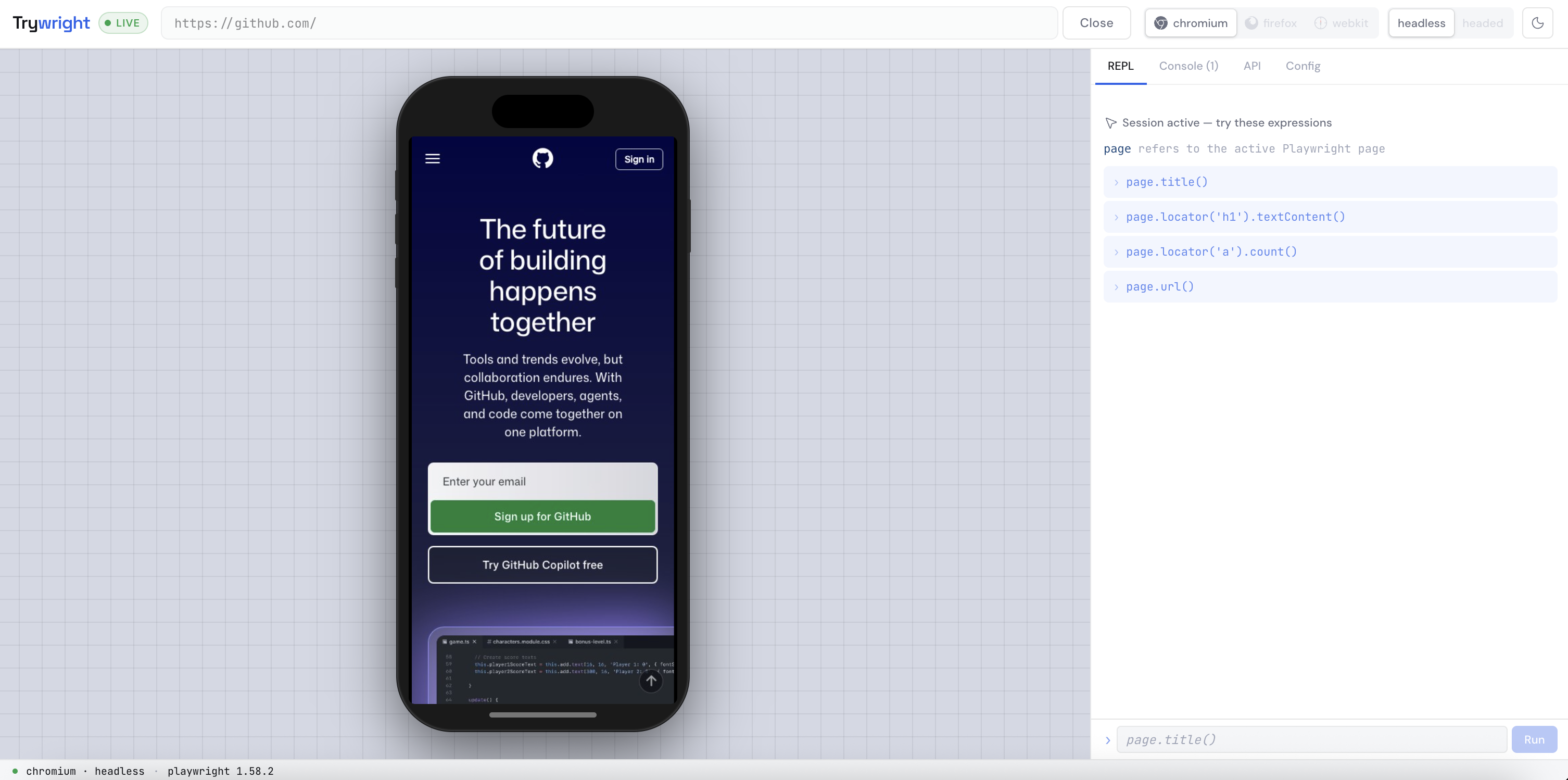
// select a phone profile and orientation — full Playwright emulation inside a generic frame
WHO IT'S FOR
Whether you're just starting or debugging something subtle.
You've heard of Playwright but haven't written a test yet. Trywright gives you a live sandbox to explore the API against any real website — no project setup, no spec files, no terminal after install.
You understand testing concepts but need to build intuition for how Playwright's API behaves against real pages. The multi-line REPL is your scratchpad — write sequential logic, get results instantly. The API reference is always one tab away.
You need to understand why something behaves differently across browsers before writing a test for it. Launch a WebKit session against the page in question and use the REPL to interrogate exactly what Playwright sees — without writing a single file.
No config. No IDE. No boilerplate.
Trywright starts in seconds from the command line.
On first run it registers itself as a login startup item — so it's
running when you need it, silent when you don't.
One URL in your browser and you have a live Playwright session.
Start exploring in under a minute.
npm install -g trywright